
AI Suite: Quality and Relevancy Tuning Process
If our AI Fast Answers aren’t answering a particular query in a satisfactory manner, please use the following process to expedite quality and relevancy improvements:
1. Input the query into your website as you usually would, and hit Search/Submit/Go/etc.

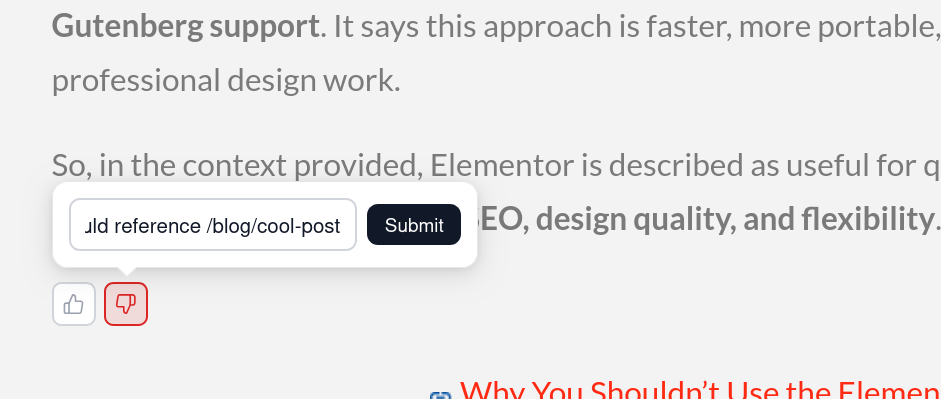
2. Click the thumbs down button under the unsatisfactory answer. In the textbox that appears, provide any details of the issue, then hit Submit. If the AI included the wrong sources, please include the URL of the source you expected it to include (i.e. /path/to/the-correct-page).
If you are a Partner licensee: Our relevancy team will review query feedback from your site every Tuesday and will reach out to you with recommendations for content adjustments or updates on algorithmic tuning.
If you are a General licensee: your feedback is used to continuously improve the product. Thank you!